Theme
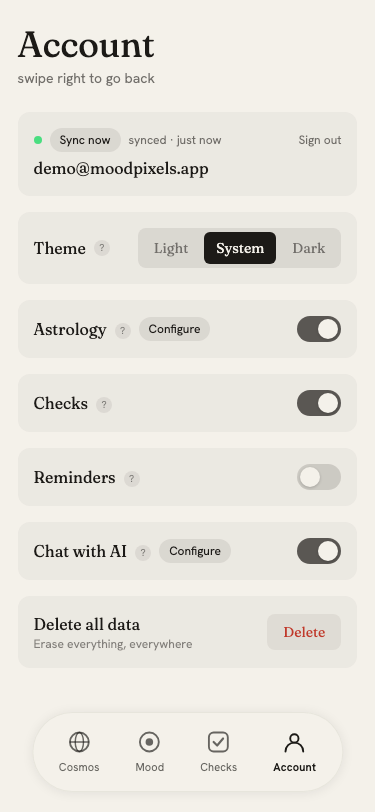
Mood supports three display modes, selectable in the Account page under Theme.
Options
- Light: light background, dark text, always
- System: follows your operating system's appearance preference; switches automatically when the OS toggles between light and dark mode
- Dark: dark background, light text, always
Default
The default is System, which respects the OS preference without any configuration. If you want to lock the appearance regardless of what the OS does, choose Light or Dark.
Live switching
Switching modes takes effect immediately without a page reload. If you are using System mode, changing the OS appearance (e.g. via a keyboard shortcut or menu) updates the app in real time.